
FBA Shipment
Tracking Automation
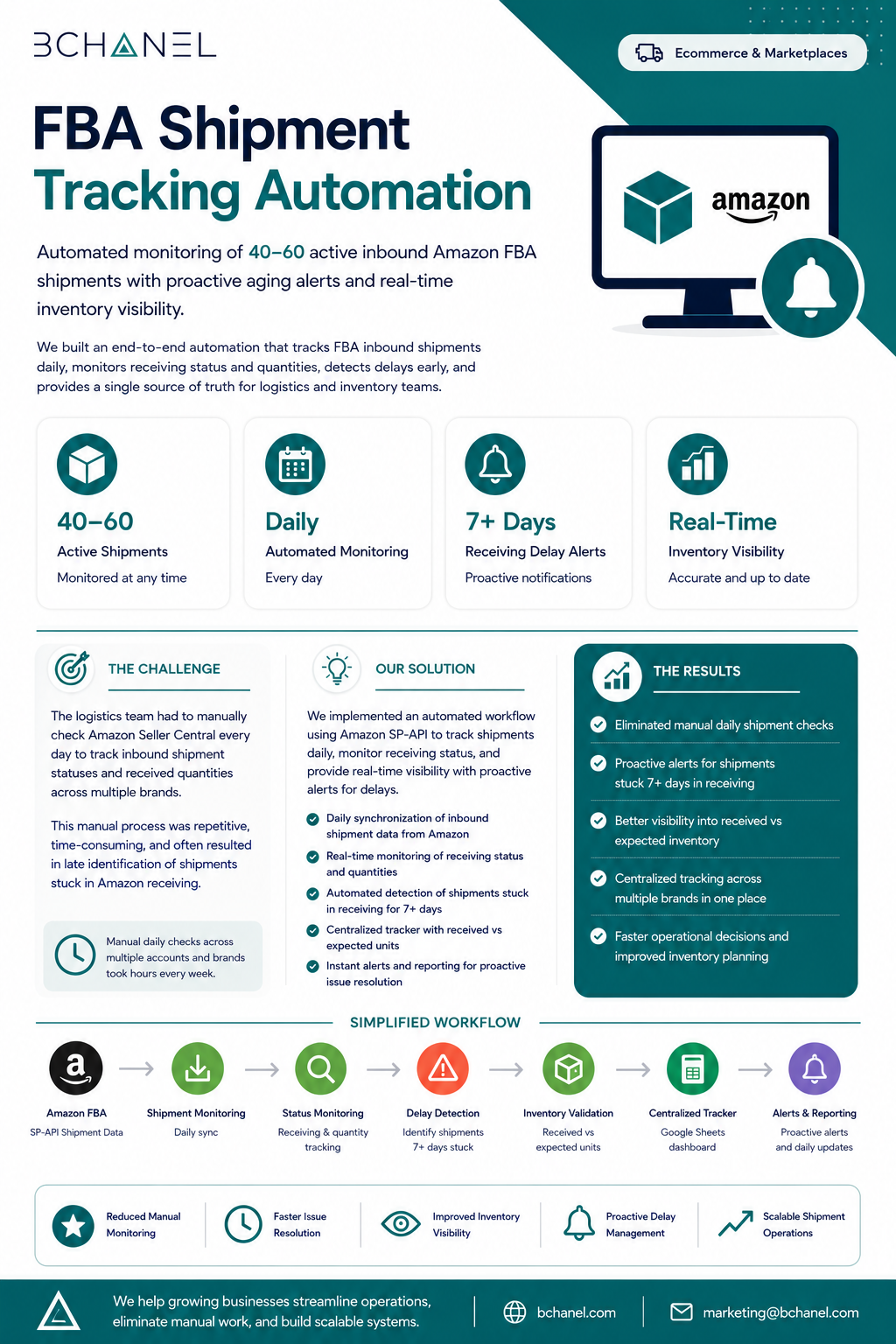
BChanel automated Amazon FBA shipment tracking across 40-60 inbound shipments by connecting Amazon SP-API data to a live Google Sheets dashboard with automated delay alerts. The workflow replaced daily manual Seller Central checks and helped the team identify delayed shipments before they created inventory problems.
40–60 shipments. One team. Refreshing Seller Central every morning.
The logistics team had no automated way to monitor inbound Amazon FBA shipments across multiple brands. Every morning, they opened Amazon Seller Central, checked each active shipment manually, compared receiving status against expected arrival dates, and flagged possible delays by hand.
- 40-60 active Amazon FBA inbound shipments were checked manually across multiple brands every day.
- There was no automated delay alert system, so FBA shipment delays were often caught late, after inventory had already started running low.
- Different team members checked differently — no consistent process, no documented thresholds
- As shipment volume grew, the manual process became unsustainable — more brands, same team
Amazon SP-API connected to a live dashboard with automated delay alerts
BChanel built an FBA shipment tracking automation workflow that pulls Amazon SP-API data, monitors shipment status updates, applies delay thresholds, and updates a live Google Sheets dashboard. When a shipment crosses the delay threshold, the team receives an automated Slack alert with the relevant shipment details.
- Amazon SP-API integration — pulls real-time inbound shipment data across all brands, multiple times daily
- Automated delay detection — compares each shipment's last-updated timestamp against the 7-day threshold and flags exceptions automatically
- Live Google Sheets dashboard — all shipments visible in one place, filterable by brand, status, and warehouse, updated continuously
- Slack delay alerts — when a shipment crosses the threshold, the relevant team is notified with shipment ID, brand, last status, and days overdue
Exception-only management — the team acts on alerts, not manual checks
Ready to understand which workflow should be fixed first?
BChanel helps growing teams map operational friction, clarify workflow ownership, and identify which processes are actually ready for automation.
Book an Operational Assessment →