
FBA Shipment
Tracking Automation
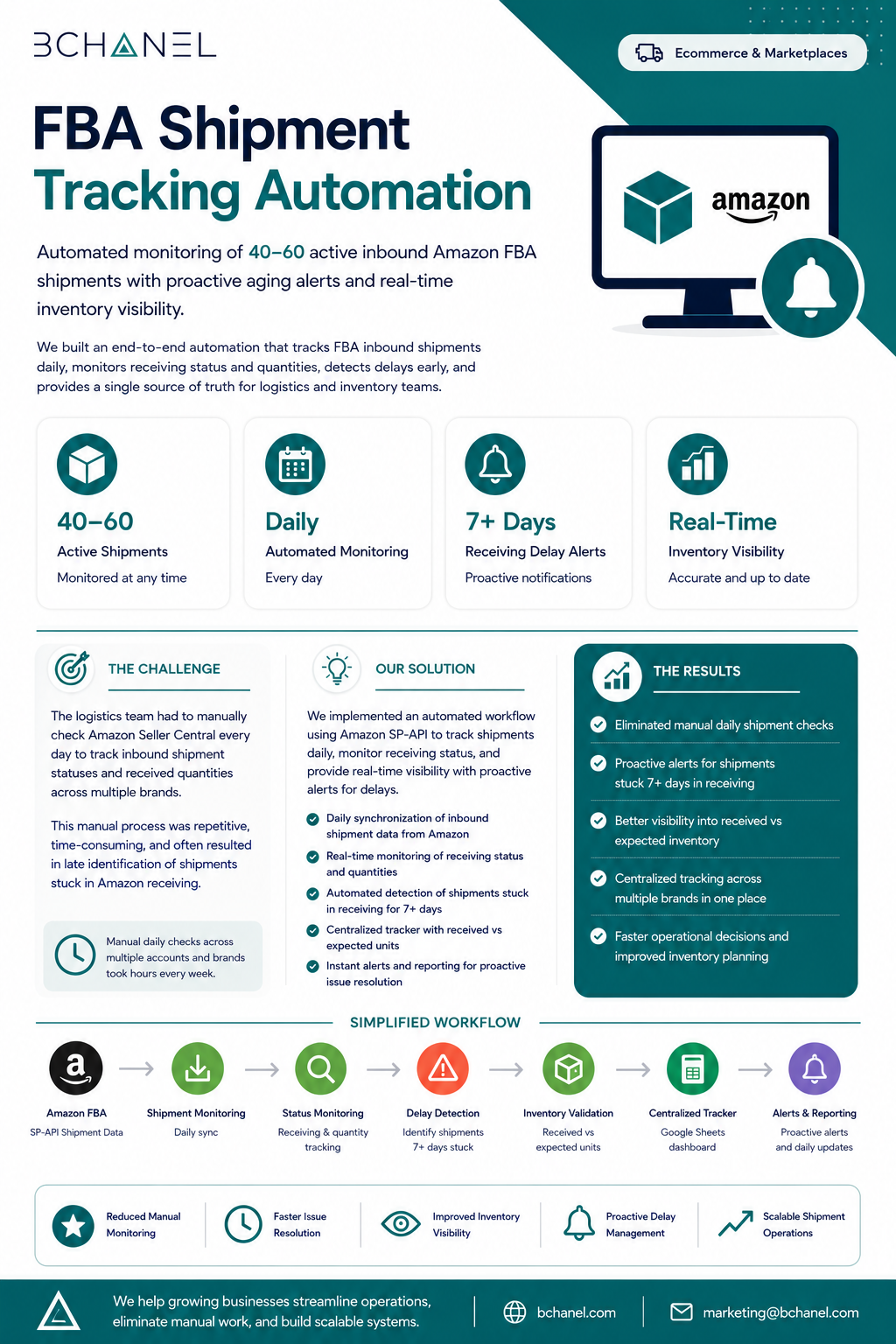
Automated real-time monitoring of 40–60 inbound FBA shipments across multiple brands — eliminating daily manual checks and surfacing delays 7+ days before they become stockouts.
40–60 shipments. One team. Refreshing Seller Central every morning.
The logistics team had no automated way to track inbound FBA shipments. Every morning they opened Amazon Seller Central and manually worked through each active shipment — checking receiving status, comparing against expected arrival dates, and flagging anything that looked delayed.
- 40–60 active inbound shipments across multiple brands checked manually every day
- No early warning system — delays were caught late, often after inventory had already run low
- Different team members checked differently — no consistent process, no documented thresholds
- As shipment volume grew, the manual process became unsustainable — more brands, same team
Amazon SP-API connected to a live dashboard with automated delay alerts
Before writing a single line of automation, we mapped exactly what "delayed" meant to this team — and found that 7+ days without a status update was the agreed threshold. We defined the alert rules, the dashboard structure, and who needed to know what. Then we built it.
- Amazon SP-API integration — pulls real-time inbound shipment data across all brands, multiple times daily
- Automated delay detection — compares each shipment's last-updated timestamp against the 7-day threshold and flags exceptions automatically
- Live Google Sheets dashboard — all shipments visible in one place, filterable by brand, status, and warehouse, updated continuously
- Slack delay alerts — when a shipment crosses the threshold, the relevant team is notified with shipment ID, brand, last status, and days overdue
Exception-only management — the team acts on alerts, not manual checks
Ready to build something like this?
Every engagement starts with understanding how work actually moves — before we automate anything.
Request Assessment →